
In the early days of digital advertising, stopping fraud was simple: you found a suspicious IP address and blocked it. Today, that approach is obsolete. Sophisticated bot nets now use residential proxies and mobile rotation to change their IP addresses every few seconds. To catch a modern bot, you can't look at where they are coming from; you have to look at who they are.
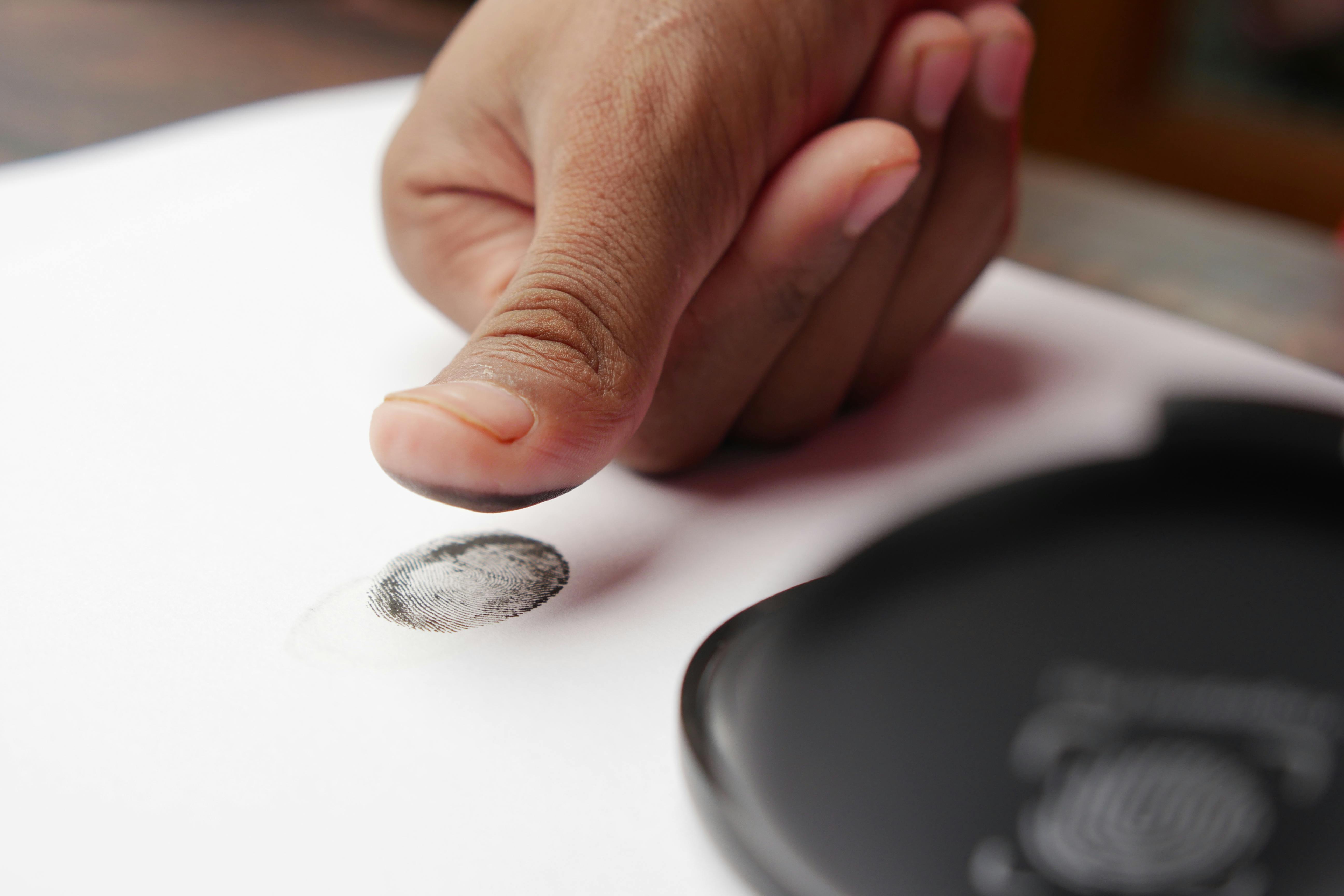
This is where browser fingerprinting comes in. By analyzing hundreds of subtle technical data points, detection platforms can create a "digital DNA" for every visitor. Even if a bot changes its IP, its hardware signature and behavioral patterns remain the same.
This guide breaks down the core technologies used in 2025 to differentiate between a high-value customer and a fraudulent script.
What is Browser Fingerprinting?
Browser fingerprinting is a technique used to identify a unique device based on its specific configuration. Unlike cookies, which are files stored on a user's device, a fingerprint is "read" from the browser's own environment.
When a visitor lands on your ad, a script gathers details such as screen resolution, installed fonts, time zone, and hardware specifications. When combined, these data points create an identifier that is 99% unique. For marketers, this means you can track and block a fraudster even if they clear their cookies or use a VPN.
The Three Pillars of Modern Detection
To stay ahead of "anti-detect" browsers and headless scripts, modern security tools use a multi-layered approach.
1. Canvas Fingerprinting
This is one of the most powerful tools in the arsenal. The script instructs the browser to draw a hidden image or piece of text using the HTML5 Canvas API. Because every combination of GPU, graphics driver, and operating system renders fonts and anti-aliasing slightly differently, the resulting pixel data is unique.
Bots often struggle to mimic these "micro-variations" perfectly. If a visitor claims to be using a MacBook but their canvas rendering looks like a Linux server, they are flagged immediately.
2. WebGL and Hardware Analysis
WebGL fingerprinting goes even deeper into the hardware. It probes the device's graphics card to identify the vendor, renderer, and supported extensions. Sophisticated fraud detection uses this to spot "headless browsers" (browsers without a screen). If a visitor is clicking an ad but has no physical GPU signature, they are almost certainly an automated script.
3. Behavioral and Sensor Data
Humans are messy. We move mice in curves, we scroll with variable speeds, and our mobile devices have slight jitters from being held in a hand. Bots, conversely, are perfect.
By monitoring ad traffic security and privacy best practices, systems can detect if "mouse movements" are actually just direct jumps between coordinates. On mobile, we can even analyze accelerometer data; a device that is 100% stationary while "browsing" an ad is a major red flag.
Active vs. Passive Detection: The 2025 Standard
In 2025, the best protection comes from a combination of "Passive" and "Active" methods.
- Passive Fingerprinting: Analyzes data that the browser sends naturally, such as HTTP headers and User-Agent strings. This is stealthy but can be spoofed by advanced bots.
- Active Fingerprinting: Proactively challenges the browser to perform tasks (like the Canvas render mentioned above). This is much harder to fake and is the core of how to audit your ad traffic for fake clicks.
The Battle Against "Anti-Detect" Browsers
There is a growing industry of software designed specifically to help fraudsters bypass fingerprinting. These "anti-detect" browsers try to spoof a "real" fingerprint. However, they often create "Inconsistency Errors."
For example, a bot might spoof its User-Agent to look like a Windows machine, but its internal JavaScript engine still reports "Macintosh" timing signatures. Automated tools like AdPurity are designed to find these technical "cracks" and block the traffic before it can drain your budget.

Why Privacy-First Fingerprinting Matters
With the rise of GDPR and the phasing out of third-party cookies, fingerprinting has faced scrutiny. However, there is a massive difference between "Tracking Fingerprinting" (used to follow users across the web) and "Security Fingerprinting" (used to block fraud).
Modern tools prioritize Privacy-Preserving Fingerprinting. Instead of storing personal data, they generate a one-way "hash" (a string of random characters) that represents the device. This allows you to block the bot without ever knowing the identity of a real human user, keeping your ad traffic security and privacy standards high.
Technical Checklist for Ad Traffic Security
If you are evaluating a fraud detection partner, ensure they cover these five technical areas:
- Canvas & WebGL Rendering: Can they detect GPU-level discrepancies?
- Audio Context Analysis: Do they analyze how the browser processes sound signals to identify hardware?
- Headless Detection: Can they spot Puppeteer, Playwright, and Selenium scripts?
- API Integration: Does the data sync in real-time with your Google and Meta exclusion lists?
- Behavioral Biometrics: Do they analyze mouse and touch patterns to confirm human intent?
Real-World Example: The "Perfect" Bot
A high-ticket travel brand was being targeted by a bot net that used high-quality residential proxies. To Google Ads, these looked like perfect customers: real IPs, correct geolocations, and matching languages.
By using AdPurity's browser fingerprinting, the brand discovered that 100% of these "users" had the exact same WebGL signature and were missing basic browser extensions (like ad blockers or password managers) that 90% of real humans use.
By blocking based on the Fingerprint rather than the IP, the brand:
- Identified $12,000 in monthly fraud that Google had marked as "Valid."
- Cleaned their "Smart Bidding" data, leading to a 30% drop in CPA within 45 days.
- Secured their site from scraping bots that were monitoring their pricing.
Action Plan: Upgrade Your Technical Defense
- Audit Your Tech Stack: Check if your current analytics can distinguish between a real browser and a headless script.
- Monitor Inconsistencies: Look for users whose "declared" browser (User-Agent) doesn't match their screen resolution or operating system.
- Implement a Robust Detection Layer: Use AdPurity to automate these technical checks, so you don't have to be a data scientist to protect your ads.
Data is Only Useful if it's Real
In 2025, the most successful marketers are those who treat their traffic quality as a technical priority. By looking beyond the IP and embracing browser fingerprinting, you ensure that your growth is built on a foundation of authentic human engagement.
Ready to see what's really happening behind the click? Get a technical audit from AdPurity and start protecting your ad spend with the industry's most advanced fingerprinting technology.