
For technical marketers and developers in 2026, the battle against ad fraud has moved into the browser's engine. Standard bots are easy to spot, but "Headless Browsers"—versions of Chrome, Firefox, or Safari running without a graphical user interface—are the preferred tools for modern click farms and high-level scrapers.
These automated browsers can execute Javascript, handle cookies, and navigate your site just like a human. If you aren't looking for the specific technical leaks they leave behind, you are likely paying for "ghost" traffic that will never convert.
The Problem: The Invisibility of Headless Chrome
Headless browsers are not inherently malicious; developers use them for legitimate testing and SEO audits. However, in the hands of fraudsters, they are used to generate fake ad impressions and clicks that bypass basic security.
Because there is no "window" to render, these browsers are incredibly efficient. A single server can run hundreds of Headless Chrome instances simultaneously, each masked by a residential proxy, hitting your ads and draining your budget in seconds.
The Impact on Your Funnel
- Inflated Engagement: You'll see high "Time on Page" as bots are programmed to wait and "read" content to appear human.
- Skewed A/B Tests: Headless traffic can ruin your conversion data, leading you to pick the wrong winning landing page.
- Wasted Retargeting: Once a headless browser triggers your pixel, you will waste money retargeting an empty script for the next 30 days.
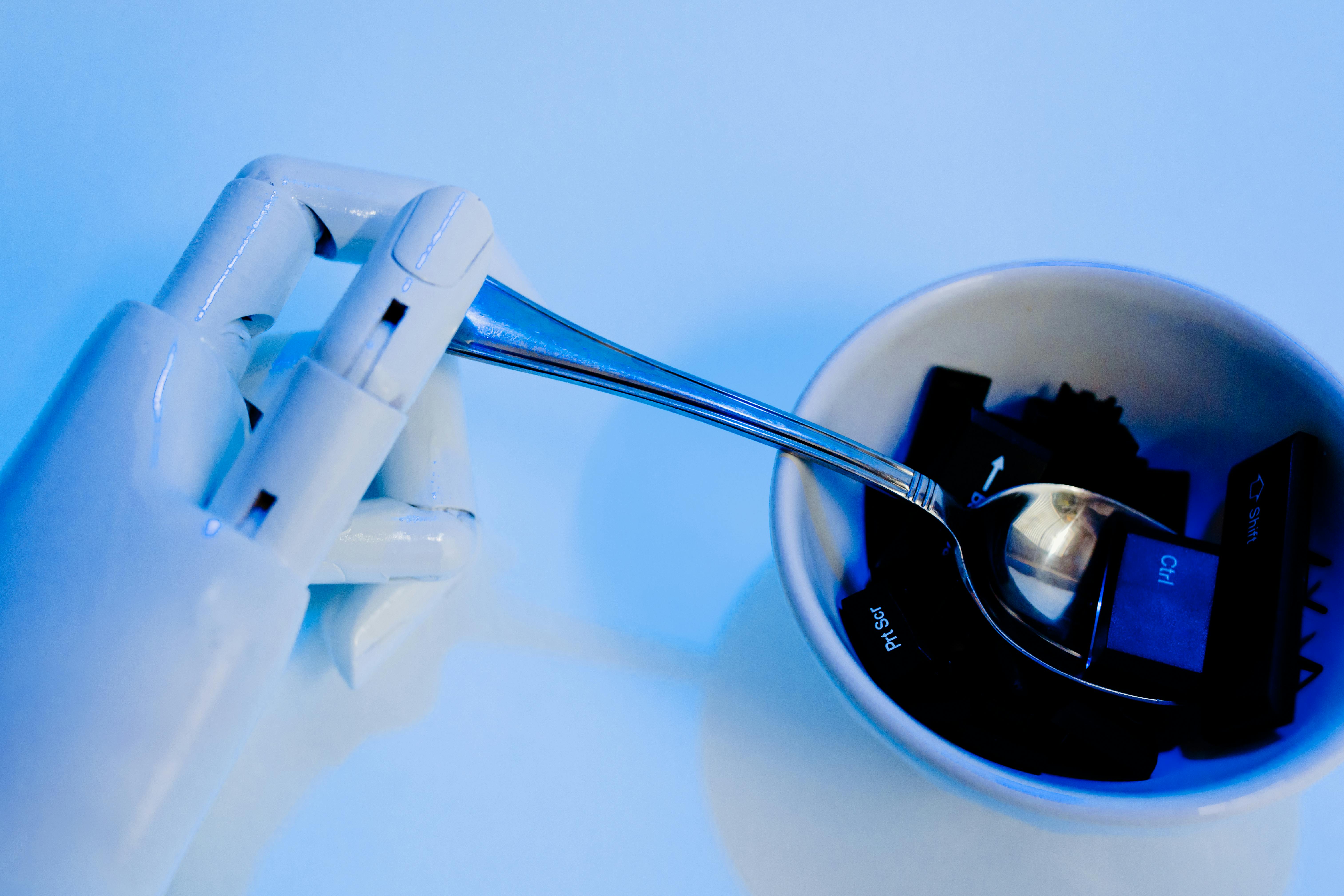
The Shift: Detecting the "Automation Controlled" Flag
Historically, identifying a bot was as simple as checking the User-Agent string. In 2026, fraudsters spoof these strings perfectly. To catch them, you have to look at the properties that the browser cannot easily hide.
Google Ads Click Fraud: How to Detect and Prevent
Deep Dive: 3 Technical Signs of Headless Traffic
If you are auditing your traffic manually or setting up custom alerts, watch for these three technical discrepancies:
1. The Navigator Webdriver Property
The most common tell for an automated browser is the navigator.webdriver flag. By default, most automation frameworks (like Selenium or Playwright) set this to true. While advanced scripts try to mask this, many low-to-mid level click farms forget this simple step.
2. Inconsistent WebGL Signatures
Headless browsers often struggle to emulate a real GPU. If a visitor claims to be using a high-end MacBook Pro but their WebGL "Renderer" string returns "Mesa OffScreen" or a generic software driver, you are almost certainly looking at a bot.
3. Missing Interaction Latency
Humans are messy. They move their mouse in curves, they hesitate before clicking, and their scroll speed varies. Headless browsers often move in perfectly straight lines or jump between coordinates instantly.

Tutorial: How to Filter Headless Traffic from Your Campaigns
Protecting your budget requires a proactive workflow. Here is how to implement a basic detection layer:
Step 1: Implement a Javascript Challenge
Before firing your main conversion pixel, deploy a small "challenge" script. This script should check for the presence of browser features that headless versions typically lack, such as specific permissions API behaviors or notification support.
Step 2: Cross-Reference with Residential Proxy Data
Headless browsers are almost always paired with residential proxies to avoid IP blacklists. By cross-referencing a technical "bot" signal with a "residential proxy" flag, you can achieve near 100% accuracy in your exclusions.
Track and Validate Your Ad Campaigns
Step 3: Automate the Exclusion Sync
Once a headless session is identified, don't just log it—block it. Use an API-driven tool to send that device's fingerprint to your exclusion list across Google, Meta, and TikTok.
Key Benefits of Headless Detection
- Pure Analytics: Finally see what your real conversion rate looks like without the "noise" of automated scrapers.
- Lower CPC: By removing bots from the auction, you stop competing against yourself and lower your overall cost-per-click.
- Algorithm Sanity: Your ad platform's AI will finally have "clean" data to optimize against, finding more humans and fewer scripts.

Common Mistakes: Trusting the "Bot" Checkbox
Many marketers believe the "Exclude known bots" checkbox in their ad settings is enough. In 2026, these checkboxes only catch the most basic data center traffic. They are powerless against custom-built headless browsers designed specifically to bypass these filters.
Pro Tips for Technical Marketers
- Check Screen Resolution: Headless browsers often default to 800x600 or 1024x768. A high volume of mobile traffic with these exact "desktop" resolutions is a major red flag.
- Monitor Plugin Arrays: Real browsers have a list of installed plugins (like PDF viewers). Headless browsers often return an empty array for
navigator.plugins. - Use Honeypot Elements: Place a "Click Here" link that is hidden from human eyes (CSS hidden). If it gets clicked, it was a headless browser or a scraper.
How AdPurity Simplifies Headless Detection
You shouldn't have to write custom Javascript challenges for every campaign. AdPurity is built with a deep-forensics engine that automatically detects:
- Headless Chrome & Playwright traces
- Inconsistent Browser/OS fingerprints
- Robotic behavioral patterns
By integrating AdPurity, you get a "Plug and Play" defense that stops headless bots before they can drain a single cent of your budget.
SaaS Paid Acquisition Bot Detection Guide
Action Plan: Secure Your Technical Stack
- Run a Traffic Audit: Look for sessions with 0% scroll depth but high "Time on Page."
- Check for Webdriver Flags: Use your server logs to see how many visitors are arriving with automation flags enabled.
- Deploy AdPurity: Stop manual hunting and let our AI-driven fingerprinting handle the heavy lifting.
Put an End to Ghost Traffic
Don't let headless browsers haunt your ad campaigns. Clear the fog, secure your data, and ensure your marketing spend is only reaching real, breathing customers.
Want to see how many headless browsers are currently hitting your site? Try AdPurity for free and get an instant breakdown of your traffic's authenticity.